
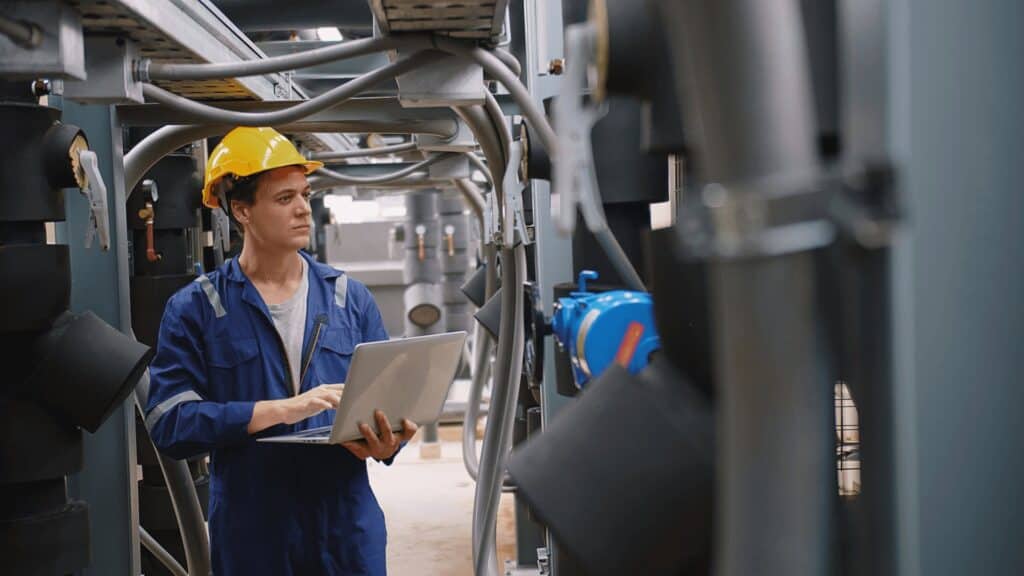
Enhancing Data Center Cooling Systems for Reliable Operations
Ensuring efficient data center cooling is crucial to preventing unexpected downtime. It’s not just about having the right number of cooling units; it’s about how well these systems integrate and operate. Learn how to optimize your data center’s cooling redundancy by considering:
- Determining necessary backup systems
- Eliminating single points of failure
- Improving airflow management
- Monitoring return air temperatures
- Enhancing hot and cold aisle configurations
- Selecting suitable cooling technologies
Assessing and Implementing Backup Systems
Understanding various redundancy models is key for data center cooling. Operators can choose from different setups like:
- N Design: This setup meets exact cooling needs, resulting in complete cooling failure if one unit goes offline.
- N+1 Design: Provides one additional unit, ensuring continuity if one unit fails.
- 2N Design: Incorporates two entire cooling systems, with one serving as a full backup.
Careful planning is essential to accommodate the space and power required for these redundant systems, alongside the budget for their upkeep. Start by pinpointing the weak links in your current setup.
Eliminating Vulnerable Points
Each element in your system, from pumps to power feeds, plays a vital role. A single component failure can compromise redundancy. By implementing real-time monitoring solutions, you can maintain oversight of your system’s health, addressing any inefficiencies promptly. This is particularly crucial for air cooling systems, where airflow integrity is paramount.
Optimizing Airflow Management
For cooling systems to function optimally, proper airflow must be maintained. Issues such as low return air temperatures or uneven heat distributions indicate airflow problems. Ensure components like sealing penetrations and aisle containment are validated to maintain effective airflow.
Monitoring Return Air Temperatures
Modern cooling technologies are designed to operate efficiently at higher air return temperatures. ASHRAE’s guidelines recommend intake temperatures between 64.4°F and 80.6°F. As return air temperatures rise within these limits, the system’s efficiency and heat transfer improve.
Enhancing Aisle Configurations
Effective hot and cold aisle configurations are crucial to airflow optimization. Ensure server racks are arranged to facilitate proper circulation and consider physical barriers like plastic curtains to enhance air separation. Regular checks and maintenance of filters and ducts are necessary to prevent airflow obstructions.
Choosing the Best Cooling Technology
The right choice of cooling technology depends on your specific needs. Options include air cooling, in-row cooling, liquid cooling, and hybrid systems. Evaluate your current setup to determine if your existing technology meets your operational demands and future growth plans.
Frequently Asked Questions on Data Center Cooling
What is the importance of data center cooling redundancy?
Data center cooling redundancy ensures there is backup cooling to maintain operation if part of the system fails.
Why might redundancy fail in data centers?
Failures often occur due to inadequate airflow, preventing cooling units from functioning effectively.
What determines if N+1 cooling suffices?
It is sufficient if the airflow supports the full capacity of each unit.
How do airflow issues impact cooling performance?
Poor airflow results in reduced efficiency and redundancy.
What should the return air temperature be?
ASHRAE recommends IT equipment intake temperatures between 64.4°F and 80.6°F.
Ready to Optimize Your Data Center Cooling?
To maximize your data center’s uptime and efficiency, focus on air movement throughout your facility. For tailored advice and further insights, contact Computer Conditioning Corporation at 504.455.9191 today.